
Download Audio Library – free audiobooks, horror stories, fairy tales
Overview
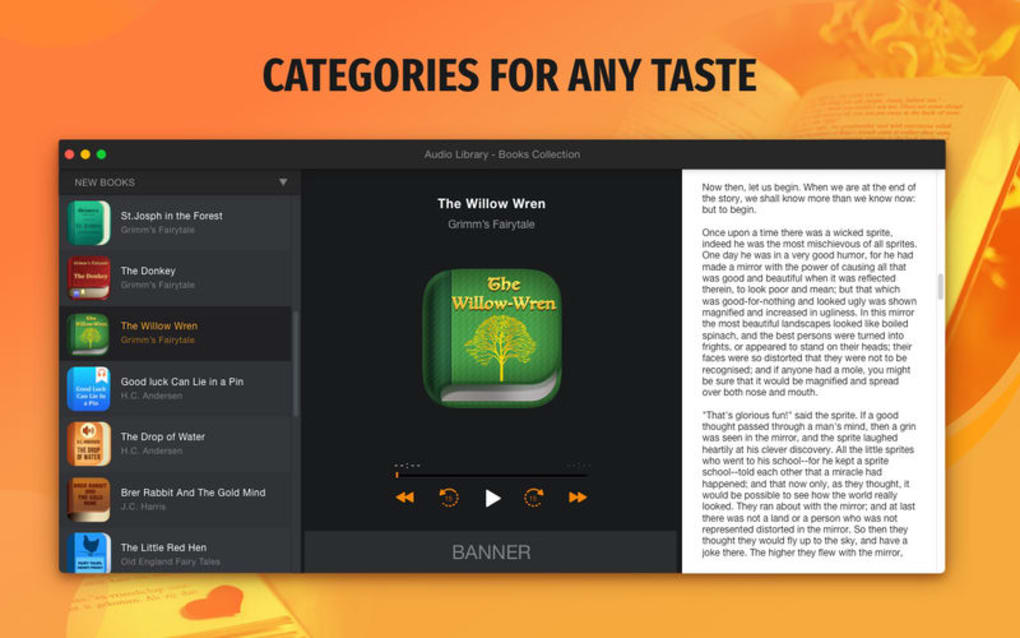
Audio Library is a completely free audio app that gives listeners instant access to a growing collection of audiobooks across dozens of genres. Whether you are a fan of spine‑tingling horror, classic fairy tales, or modern fiction, the library’s intuitive categorisation makes it simple to find exactly the story you want to hear. Each title includes a short synopsis and a front‑cover image, so you know exactly what you’re about to listen to before you hit play.
The developers behind Audio Library have committed to a regular update cycle, ensuring that new titles are added on a weekly basis and that any missing favourite will soon appear in the catalogue. Because the app is free, there are no hidden subscription fees or in‑app purchases, making it an ideal solution for students, commuters, and anyone who enjoys listening to books on the go. Security is also a priority; the app is hosted on a reputable cloud platform and uses encrypted connections to protect your listening history.
In short, Audio Library offers a seamless, secure, and constantly expanding audio reading experience without costing a single cent.
Features & Installation Guide
Key Features
- Extensive catalogue with over 2,000 free audiobooks.
- Genre‑based navigation: horror, fairy tales, mystery, romance, science‑fiction, and more.
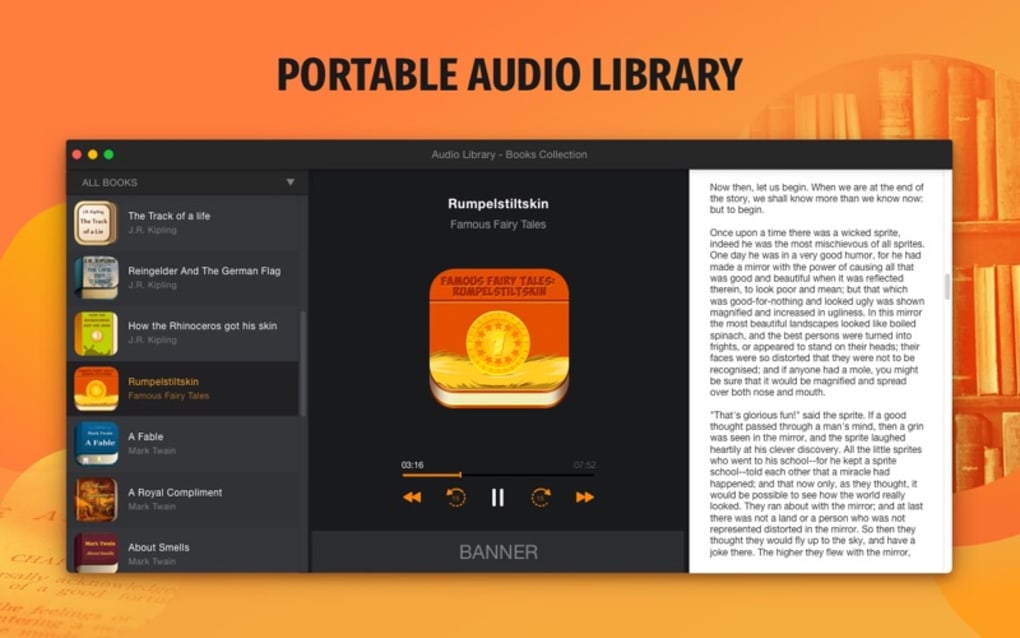
- Brief description and cover art displayed for every title.
- Regular weekly updates adding fresh releases and classic titles.
- Bookmarking and resume‑play functionality for multi‑session listening.
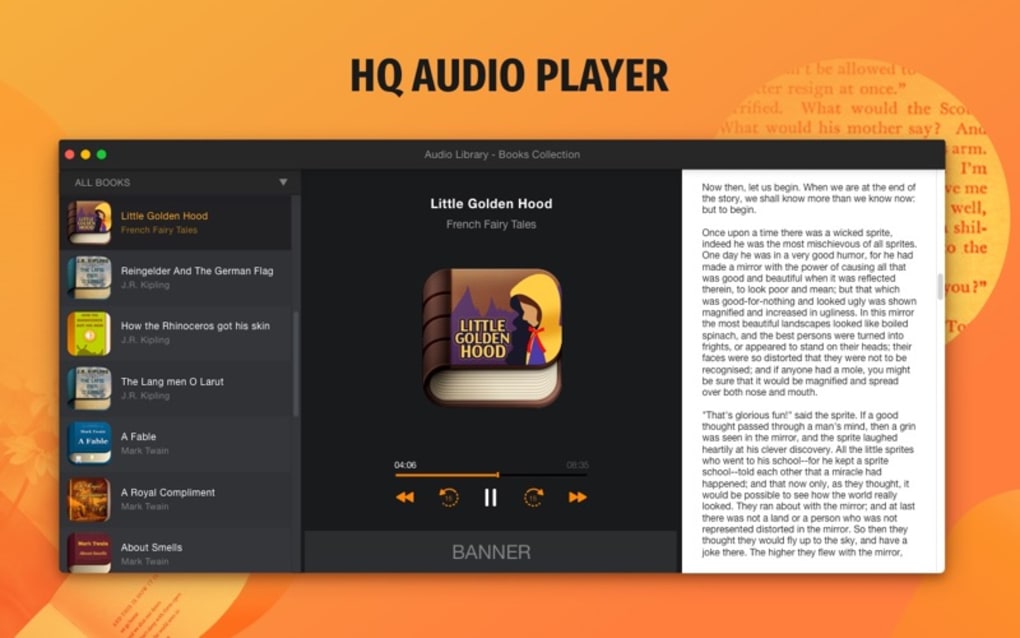
- Adjustable playback speed (0.5x – 2.0x) to suit personal preferences.
- Offline download option for up to 20 titles at a time.
- Sleep timer for bedtime listening.
- Customizable theme (light or dark) for eye‑friendly reading.
- No ads, no subscription fees – completely free.
Step‑by‑Step Installation
Installing Audio Library is straightforward on any supported platform. Follow the steps below:
- Visit the official website or your device’s app store (Google Play Store, Apple App Store, Microsoft Store).
- Search for “Audio Library” and locate the official free version.
- Click “Install” (or “Get” on iOS) and wait for the download to complete.
- Once installed, open the app and grant permission to access your device’s storage if you plan to download titles for offline listening.
- Accept the brief terms of service; there are no hidden charges.
- Allow the app to sync with its cloud database – this may take a few seconds depending on your internet speed.
- Start browsing by genre or use the search bar to find a specific title.
- Tap a book cover, read the synopsis, and press “Play” to begin listening instantly.
The initial launch may prompt you to create a simple user profile. This profile is optional but enables the app to sync your bookmarks across devices. For users concerned about privacy, the app stores only minimal data (username and bookmarked positions) and never shares it with third‑party advertisers.
Compatibility, Performance & Pros / Cons
Supported Operating Systems: Windows 10/11, macOS 10.13 or later, Android 5.0 or later, iOS 12 or later.Performance Overview
Audio Library runs smoothly on both low‑end smartphones and modern desktop computers. The lightweight UI consumes minimal RAM, typically under 150 MB, and the audio streaming engine is optimized for low‑latency playback, ensuring that chapters start instantly even on slower connections. On Windows and macOS, the app integrates with the system’s media controls, allowing you to pause, skip, or adjust volume using keyboard shortcuts or the native taskbar. Mobile users benefit from background playback, meaning the audio continues even when you switch to other apps. Battery usage is modest; tests show a full‑day listening session drains roughly 12 % of a typical smartphone battery.
Pros
- Completely free with no hidden costs.
- Huge and regularly updated audiobook library.
- User‑friendly genre navigation and powerful search.
- Offline download capability for travel or low‑connectivity areas.
- Custom playback speed and sleep timer enhance listening flexibility.
- Ad‑free experience respects user focus.
- Cross‑platform availability ensures seamless switching between devices.
Cons
- Occasional gaps in niche or very recent titles (though updates are frequent).
- No built‑in social sharing or community reviews within the app.
- Limited UI customization beyond light/dark themes.
- Requires an internet connection for initial catalogue sync.
FAQ & Conclusion
Frequently Asked Questions
Is Audio Library truly free?
Yes, the app offers a completely free catalogue of audiobooks with no subscription fees or in‑app purchases.
Can I listen offline?
Absolutely. You can download up to 20 titles for offline listening, perfect for travel or low‑bandwidth situations.
How often is the library updated?
New audiobooks are added weekly, and missing titles are usually incorporated within a few weeks of request.
Does the app collect personal data?
Only minimal data such as a username and bookmarked positions are stored, and no data is sold to third parties.
Is there a way to suggest new titles?
Yes, within the app’s “Help & Feedback” section you can submit title requests, which are reviewed for future updates.
Final Thoughts & Call to Action
Audio Library stands out as a robust, free solution for anyone who loves to consume literature on the go. Its extensive, regularly refreshed catalogue, combined with a clean, ad‑free interface, makes it an excellent alternative to paid audiobook services. While it lacks social features, its core functionality—search, offline playback, speed control, and genre categorisation—covers the essential needs of casual listeners and avid readers alike. If you’re looking for a secure, cost‑free way to expand your audio reading habit, download Audio Library today and start exploring thousands of stories without spending a dime.
Click here to download Audio Library and dive into a world of free audiobooks instantly.







